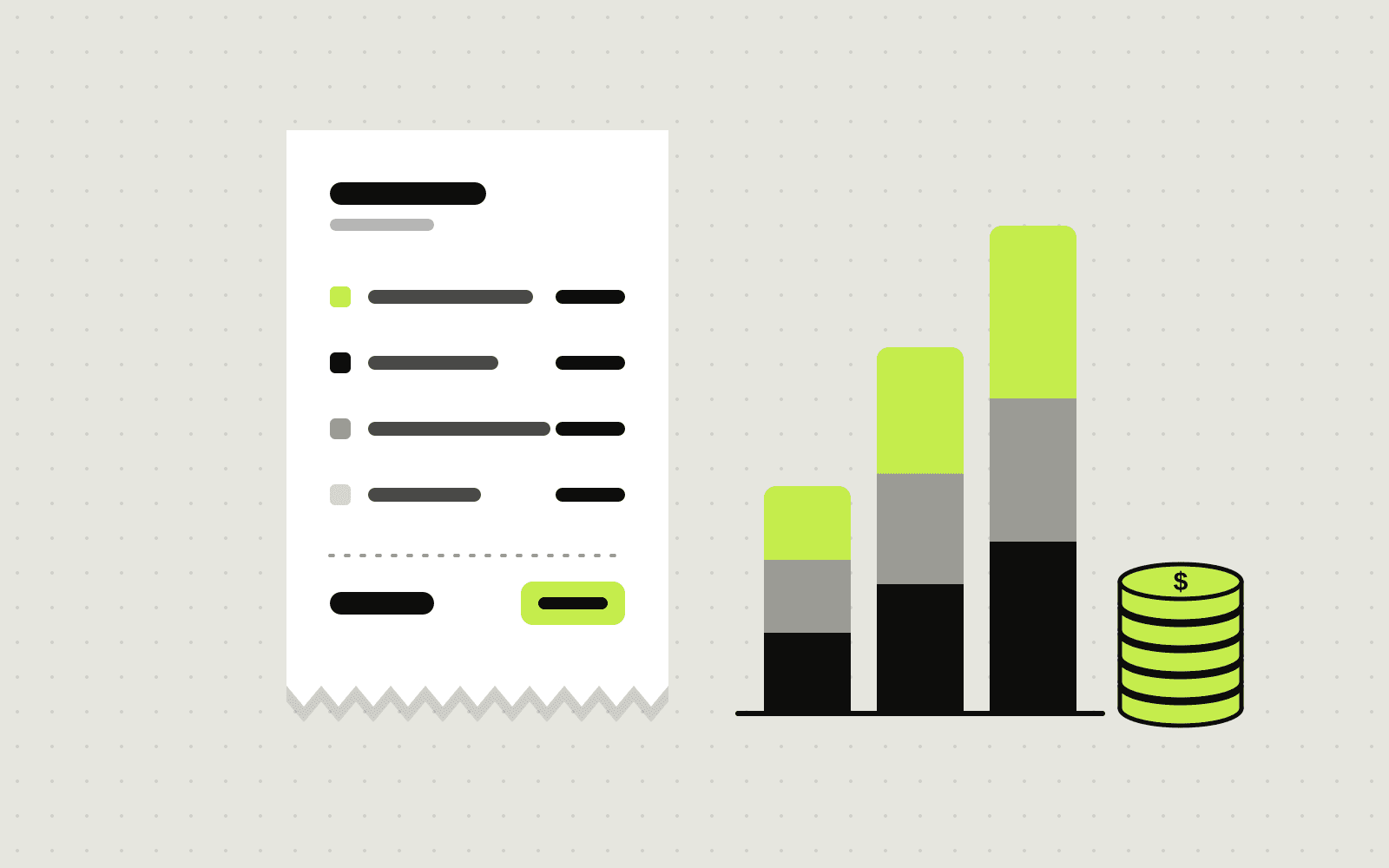
"How much will Odoo cost us?" is usually the first question we hear, and the honest answer is: it depends far more on your processes than on the software. Published estimates range from a few thousand dollars to well over $200,000, which is not very helpful when you are trying to plan a budget.
This guide breaks the cost into its real parts so you can estimate your own project with confidence.
The short answer
For most small and mid-sized businesses, an Odoo project falls into one of three bands:
- Focused setup (a few thousand to about $15,000): a handful of users, two to four standard apps such as CRM, Sales, Invoicing and Inventory, light configuration and a clean data import.
- Growing business ($15,000 to $50,000): more users and departments, accounting, inventory and purchasing working together, a few integrations and some custom reports or automations.
- Complex operations ($50,000 and up): multiple companies or warehouses, manufacturing, heavy customisation, legacy data migration and several third-party integrations.
These ranges are based on published industry estimates and typical partner quotes. Rates vary a lot by region, so the same project can cost noticeably less with an experienced offshore partner than with a local one in the US or Western Europe.
Odoo Community vs Odoo Enterprise
Before any cost discussion, you need to decide which edition you are running, because it changes the shape of the budget.
Odoo Community is the free, open-source edition. There is no licence fee, you host it yourself and you get the core apps: CRM, Sales, Purchase, Inventory, Invoicing, Website, Point of Sale, Project and more. Thousands of extra modules are available, many of them maintained by the Odoo Community Association (OCA).
Odoo Enterprise adds a per-user subscription on top of Community and unlocks extra apps and features, such as full accounting, Studio (a no-code customisation tool), Helpdesk, Sign, the official mobile apps and Odoo's own hosting and upgrade services.
What this means for your budget:
- Community saves on licences, not always on total cost. Features that come built into Enterprise may need community modules or custom development on Community. You also take full responsibility for hosting, backups, security and version upgrades.
- Enterprise costs more every month but can cost less to set up. More is available out of the box, and Odoo handles hosting and upgrades if you choose its cloud.
- You can start on Community and move to Enterprise later. Enterprise is built on top of Community, so the move is a normal upgrade project rather than a rebuild.
A good rule of thumb: Community is a strong choice for operations-focused businesses with clear needs and a technical partner. Enterprise suits teams that want full accounting, less custom code and a vendor-managed platform.
The six parts of an Odoo budget
1. Licences
Enterprise is priced per user, per month, and the plan you pick matters. Odoo's cloud plans are the cheapest way in, but custom modules require the Custom plan with Odoo.sh or on-premise hosting. Check Odoo's official pricing page for current figures, as promotional first-year rates and renewal rates can differ. Community has no licence cost at all.
Licences are usually a smaller share of the total than people expect. Several industry sources put them at roughly 15 to 30 percent of a typical project's total investment.
2. Hosting
- Odoo Online: Odoo's managed cloud. Easiest option, but no custom code.
- Odoo.sh: Odoo's platform for custom modules, with staging environments and automated backups. Paid separately based on resources.
- Your own server: required for Community and possible for Enterprise. A small business can run comfortably on a modest cloud server, but someone has to maintain it.
3. Analysis and configuration
This is where most of the value is created and most of the budget goes. Your partner maps how quotes, orders, stock, invoices and approvals actually flow in your business, then configures Odoo to match. Clear, well-documented processes make this phase faster and cheaper.
4. Data migration
Customers, products, open orders, stock levels and opening balances have to come across cleanly. Messy spreadsheets with duplicates and inconsistent naming are one of the most common reasons projects go over budget. Cleaning data before migration is often the best money you will spend.
5. Integrations and customisation
Connecting your website, payment gateway, courier, e-commerce store or existing CRM adds cost, as does any feature Odoo does not do out of the box. Every custom module also needs to be maintained through future upgrades, so customise only where it gives you a real advantage.
6. Training and support
Budget for training your team and for a few weeks of close support after go-live. Ongoing support, bug fixes and annual version upgrades are a recurring cost that is easy to forget in year two.
Hidden costs to plan for
- Process changes: Odoo works best when you adapt some processes to its standard flows. Insisting on replicating every old habit drives custom development.
- Scope creep: "While we are at it" requests add up quickly. Agree a first phase and park the rest.
- Internal time: Your team will spend hours on workshops, data checks and testing. That time is a real cost.
- Upgrades: Odoo releases a new major version every year. Heavily customised systems cost more to upgrade.
How to keep your Odoo project on budget
- Start with a phase-one scope. Get the core flow live (for example sales, inventory and invoicing), then add apps once the team is comfortable.
- Use standard features first. Try Odoo's way before paying to change it.
- Clean your data early. Remove duplicates and agree naming conventions before migration starts.
- Name an internal owner. One person who knows your processes and can make decisions keeps the project moving.
- Get fixed-scope quotes. Ask partners to price a clearly written requirements list so you can compare like for like.
If you want a step-by-step view of the process itself, read our Odoo implementation checklist. And if you are still deciding whether you need a full ERP or just a CRM, our Odoo vs HubSpot vs Zoho comparison will help.
Frequently asked questions
Is Odoo Community really free?
Yes. The software is open source and free to use, with no per-user fees. You still pay for hosting, implementation, any custom modules and ongoing maintenance.
How long does an Odoo implementation take?
A focused setup with standard apps can go live in four to eight weeks. Projects with accounting, inventory, integrations and data migration usually take two to six months.
Can we move from Odoo Community to Enterprise later?
Yes. Enterprise is built on top of Community, so moving across is a planned upgrade of the same database rather than starting again.
Why do Odoo quotes vary so much?
Partners price different scopes, rates and assumptions. Ask each one to quote against the same written requirements and to list exactly what is included.
Planning an Odoo project? Tell us what you need and we will help you scope a realistic first phase, whether that is on Community or Enterprise.
Written by Antechinno Team