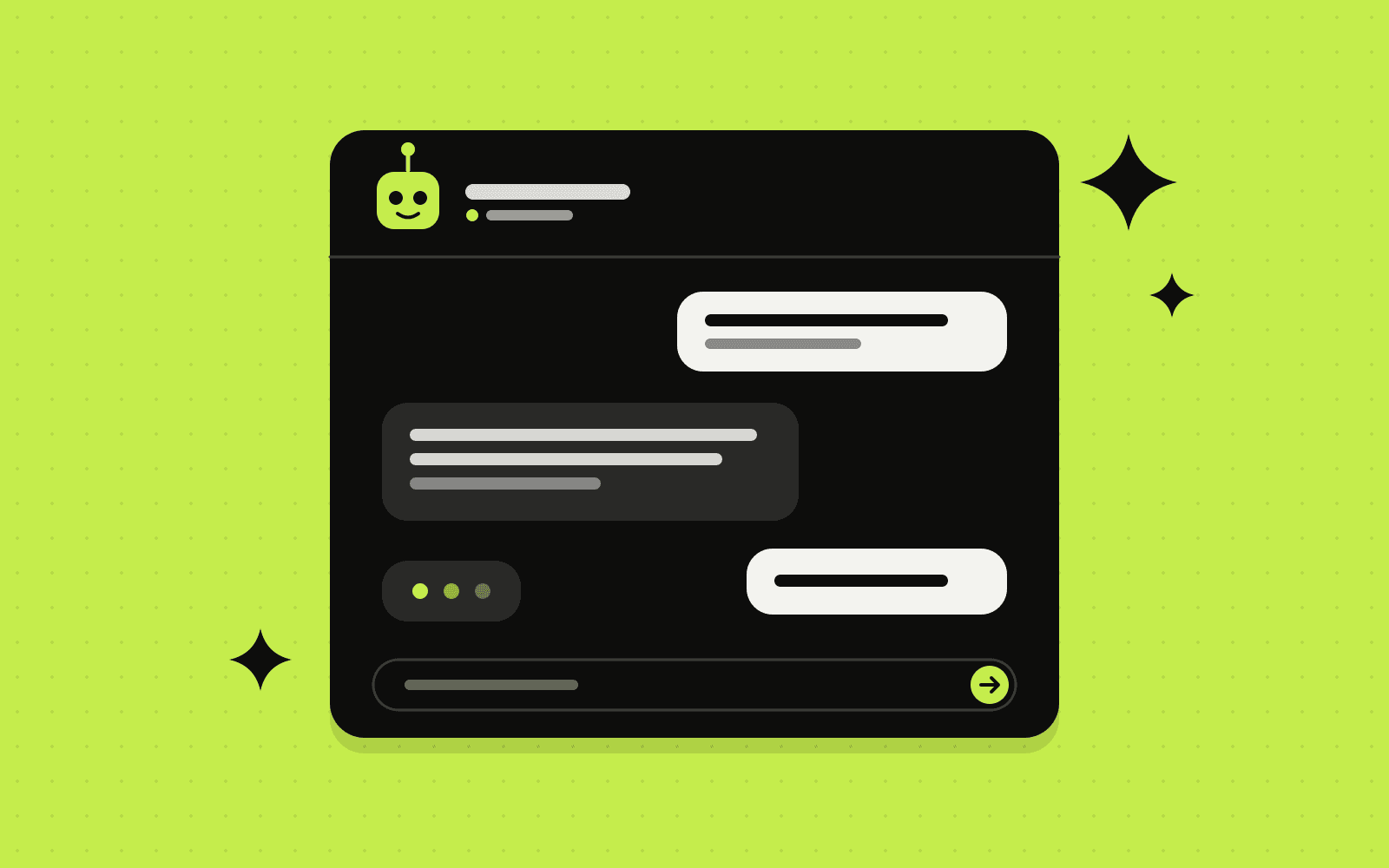
Chatbots used to mean rigid menus that answered nothing useful. Modern AI assistants are different: they understand natural questions, use your own business information and can take actions like booking a call or creating a support ticket.
But they are not magic, and a poorly planned bot can damage customer trust. Here is a practical look at where AI chatbots help a small business, where they fall short and how to set one up properly.
What AI chatbots handle well
Answering common questions
Opening hours, pricing basics, delivery times, how a service works, what is included in a package. If the answer is in your documents, website or help articles, a well-built assistant can answer it instantly and consistently, at any hour.
Qualifying leads
The assistant can ask a few friendly questions, such as what the visitor needs, their timeline and budget range, then pass a summarised, scored lead to your CRM. Your team spends time on the right conversations. This pairs naturally with a fast speed-to-lead process.
Booking appointments
Connected to your calendar, a chatbot can offer available times and confirm bookings, then send reminders automatically.
Order and account lookups
With access to your systems, it can answer "where is my order?" or "what is my booking reference?" without a human searching for the information.
Triage
For more complex issues, the assistant can gather details, categorise the request and route it to the right person with a clear summary, so your team does not start from scratch.
What they should not handle alone
- Judgement calls: refunds outside policy, complaints, pricing exceptions and anything sensitive
- Unhappy customers: frustrated people want a human, and fast
- Questions without a source: if the answer is not in its knowledge base, the bot should say so rather than guess
- Legal, medical or financial advice: these need qualified people
The goal is not to replace your team. It is to take the repetitive questions off their plate so they can focus on the conversations that need them.
The four building blocks of a good AI assistant
1. A clean knowledge base
The assistant is only as good as the information it can draw on. Gather your FAQs, service descriptions, policies and pricing rules into clear, up-to-date documents. Most modern assistants retrieve answers from this content rather than relying on general knowledge.
2. Clear guardrails
Define what the assistant may and may not do, which topics it should avoid and the tone it should use. Tell it to admit when it does not know.
3. Smooth human handoff
Always make it easy to reach a person. Hand the conversation over with the full context so the customer never has to repeat themselves.
4. Integrations
The real value comes when the assistant can act: create a lead in your CRM, check an order, book a meeting or open a ticket. These connections are usually built with an automation platform. See our n8n vs Make vs Zapier comparison.
Where to put it
- Your website: the most common starting point
- WhatsApp and Facebook Messenger: essential in markets where customers prefer messaging
- Email: AI can draft replies to common enquiries for your team to review and send
Privacy and data
Be careful with personal information. Choose AI providers with clear business privacy terms, avoid sending sensitive data the assistant does not need, tell users they are chatting with an AI and keep a human in the loop for important decisions. Make sure your privacy policy covers the tools you use.
What does it cost?
Costs come from three places: the initial setup (knowledge base, conversation design and integrations), the chatbot platform or hosting, and AI usage, which is usually billed by volume. For many small businesses, the monthly running cost is modest compared with the hours saved, but it is worth piloting and measuring before scaling.
How to start
- Pick one job. For example, answering pre-sales questions on your website.
- Collect the answers. Write down the twenty questions customers ask most, with good answers.
- Pilot it. Launch to a portion of visitors, read the conversations and improve the answers weekly.
- Measure. Track questions resolved, leads captured and handoffs to humans.
- Expand. Add bookings, order lookups or new channels once the basics work well.
Frequently asked questions
Will customers know they are talking to a bot?
They should. Being upfront builds trust, and most people are happy to use an assistant that answers quickly and hands them to a person when needed.
Can an AI chatbot give wrong answers?
Yes, which is why it should answer from your own approved content, admit uncertainty and hand over complex questions to a person. Reviewing conversations regularly keeps quality high.
Do we need a big budget?
No. A focused assistant for one channel and one job is a sensible, affordable starting point.
Can it work in more than one language?
Yes. Modern AI models handle many languages well. Test answers carefully in each language you plan to support.
Curious what an AI assistant could take off your team's plate? Talk to us. We design, build and connect assistants that work with your CRM and your processes.
Written by Antechinno Team