Someone fills in your contact form. They are interested, they are ready to talk, and they have probably contacted two of your competitors too. Whoever replies first has a big head start.
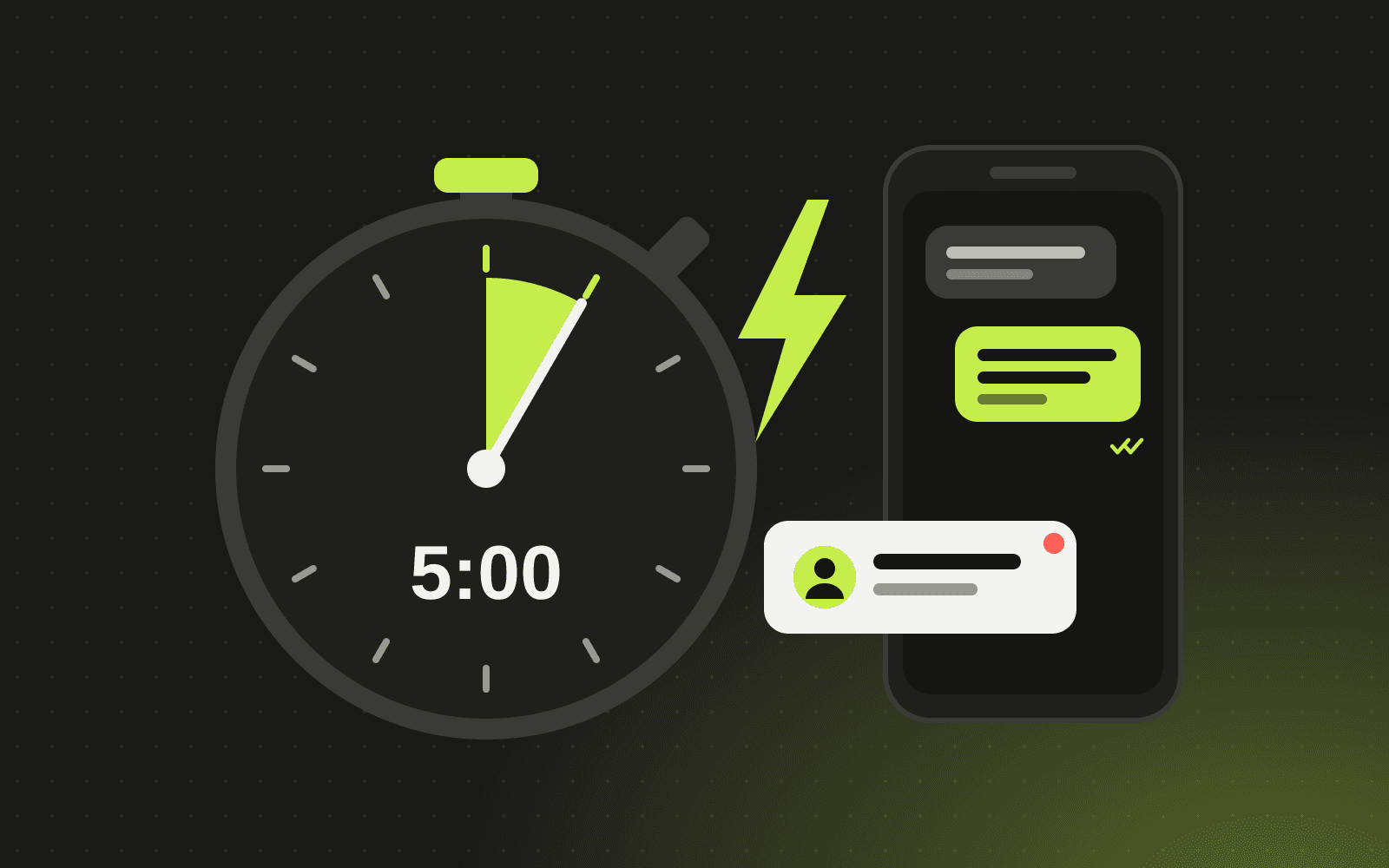
This is what sales teams call speed to lead: the time between an enquiry arriving and a real response reaching the prospect. For most small businesses, it is the cheapest growth lever they are not pulling.
Why response time matters so much
A widely cited Harvard Business Review study of online sales leads found that companies that tried to contact a lead within an hour were far more likely to qualify that lead than companies that waited even one hour longer. It also found that most companies were much slower than that.
The reason is simple. Interest fades quickly, and buyers who reach out to several suppliers often go with whoever makes the process easiest. A fast, helpful reply signals that you are organised and that you care.
Why most businesses respond slowly
It is rarely laziness. Usually the system is the problem:
- Form submissions land in a shared inbox that nobody owns
- Leads arrive outside office hours and wait until morning
- Someone has to copy details into the CRM before anyone acts
- It is not clear who should follow up
- Follow-ups depend on someone remembering
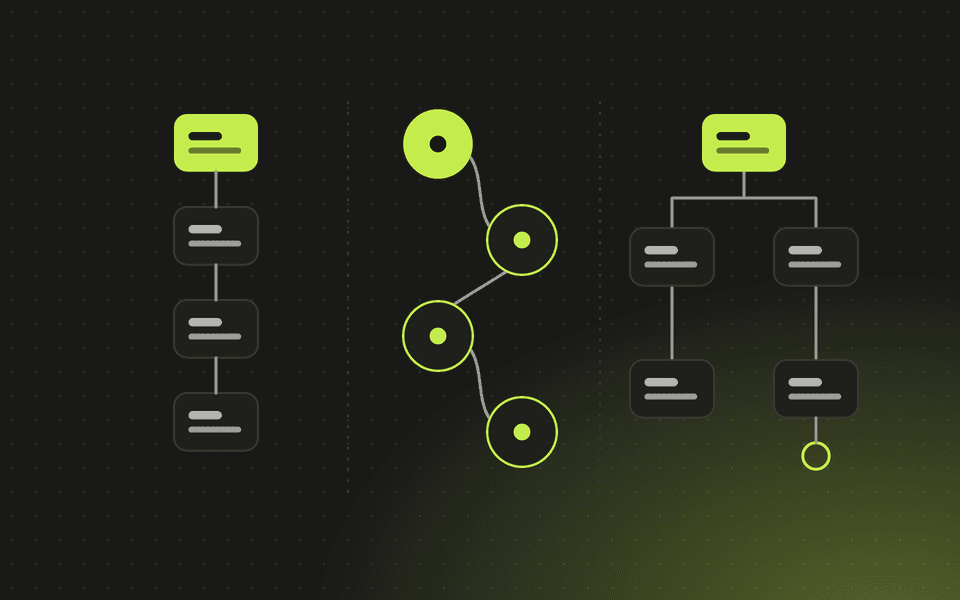
Every one of these can be fixed with a well-designed flow from your website to your CRM.
The speed-to-lead system, step by step
1. Capture enquiries in one place
Every channel, including website forms, booking widgets, chat, WhatsApp and phone calls, should create a record in your CRM automatically. No copying and pasting, no lost emails.
2. Reply instantly
The moment a lead arrives, send a personal-sounding acknowledgement by email, and by SMS or WhatsApp if they gave a number. Confirm what happens next and include a link to book a call. This takes the response time to seconds, even at night.
3. Route to the right person
Assign the lead automatically based on rules such as service, location, deal size or a simple rotation. The owner gets an instant alert on their phone or in Slack or Teams, with all the details in one place.
4. Qualify while you sleep
A short set of questions on the form, or an AI assistant, can gather budget, timeline and requirements before the first call. AI can also score and tag leads so urgent ones rise to the top. Our guide to AI chatbots for small business covers how to do this safely.
5. Make booking effortless
A calendar link that shows real availability turns "let's find a time" emails into a confirmed meeting in one click.
6. Follow up automatically
If there is no reply, a short sequence of helpful follow-ups goes out over the next few days, stopping as soon as the lead responds or books. A task reminds the owner to call if the lead goes quiet.
7. Measure it
Track the average time to first response and conversion by source. What gets measured improves, and you will quickly see which channels bring your best customers.
The tools you need
You do not need an expensive stack. A typical setup uses:
- A fast website with well-designed forms
- A CRM such as HubSpot, Zoho or Odoo. See our CRM comparison
- An automation platform such as n8n, Make or Zapier to connect everything. See our platform comparison
- Optional: an AI assistant for qualification and out-of-hours replies
Common mistakes
- Robotic auto-replies. Write the instant reply the way you would speak, and make it useful.
- Alerts nobody sees. Send notifications where your team already works, and set up a backup owner.
- Too many form fields. Ask only what you need to route and qualify. You can learn the rest on the call.
- No escalation. If a hot lead has not been contacted within a set time, alert a manager.
Frequently asked questions
What is a good lead response time?
As fast as possible. An instant automated acknowledgement plus a personal reply within minutes during business hours is a strong standard for most service businesses.
Will automated replies feel impersonal?
Not if they are written well. A warm, specific message that confirms next steps feels more personal than silence until tomorrow.
Do we need a CRM for this?
It is strongly recommended. A CRM gives every lead an owner, a history and a status, which is what makes routing, follow-ups and reporting possible.
How long does it take to set up?
A focused website-to-CRM flow with instant replies and routing can usually be live in one to three weeks.
Want every enquiry answered in minutes? Let's build your system. We connect your website, CRM and automations into one flow that keeps working around the clock.
Written by Antechinno Team