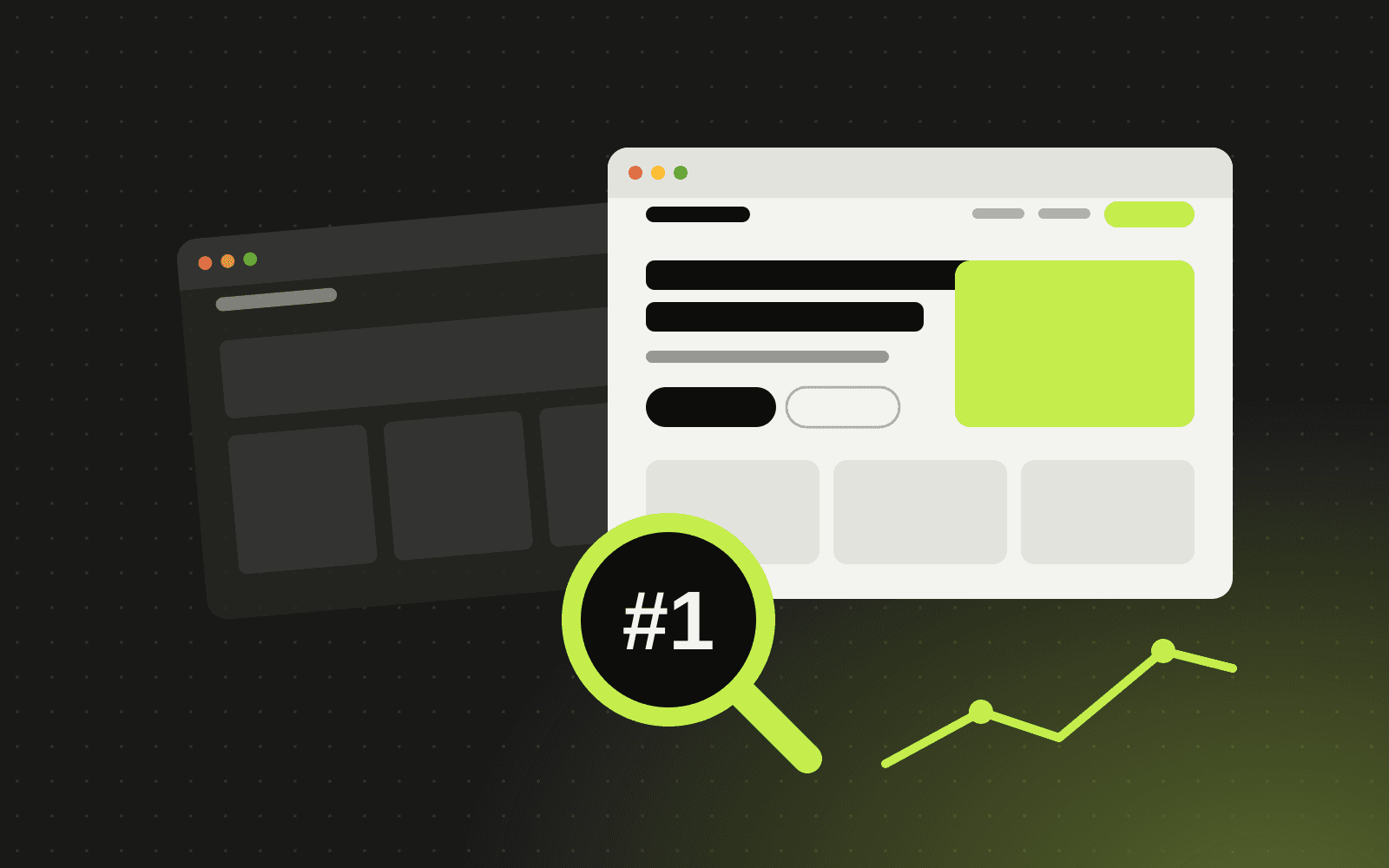
A new website should bring in more customers, not fewer. Yet it is surprisingly common for a business to launch a beautiful redesign and watch its search traffic drop the following month. The cause is almost always the same: important pages, links or signals were lost during the move.
The good news is that this is preventable. Follow this checklist and your redesign can keep, and often improve, your rankings.
Before you start: benchmark everything
1. Record your current performance
Export your key numbers from Google Search Console and your analytics tool: clicks, impressions, top queries, top landing pages and conversions. You need a baseline to compare against after launch.
2. Crawl your existing site
Use a crawler to list every URL on your current site, along with page titles, meta descriptions, headings, status codes and internal links. This list is the backbone of your migration.
3. Identify your most valuable pages
Find the pages that bring in the most organic traffic, rank for important keywords, earn backlinks from other websites or drive conversions. These pages need the most care.
4. Note your backlinks
Links from other websites point to specific URLs. If those URLs disappear without a redirect, you lose the value of those links.
During the redesign: protect what works
5. Keep URLs where you can
The safest URL change is no change. If your current structure is reasonable, keep it.
6. Map 301 redirects for every changed URL
Where URLs must change, create a redirect map that sends each old URL to the most relevant new page with a permanent 301 redirect. Avoid sending everything to the homepage, which search engines treat much like a missing page.
7. Preserve and improve content
Do not cut content from pages that rank well just to make the design look cleaner. Keep the substance, and improve it where you can. Carry over or rewrite page titles and meta descriptions deliberately.
8. Keep your internal links healthy
Update navigation, footer and in-content links to point directly at the new URLs, rather than relying on redirects.
9. Build speed in from the start
Page speed and Core Web Vitals affect both user experience and search performance. Optimise images, limit heavy scripts and test on mobile throughout the build, not just at the end. This is one area where a headless website often has an edge.
10. Carry over technical SEO
Make sure the new site has an XML sitemap, a sensible robots.txt, canonical tags, structured data, image alt text and one clear H1 per page.
11. Block the staging site from search engines
Your development site should not be indexed. Protect it with a password or a noindex setting, and make sure that setting does not slip into the live site.
Launch day
12. Run a pre-launch check
- All redirects are in place and tested
- The noindex setting from staging has been removed
- Analytics and Search Console tracking work on the new site
- Forms, checkout and other conversion paths work end to end
13. Submit your new sitemap
Submit the updated sitemap in Google Search Console and use URL inspection to request indexing of your most important pages.
After launch: monitor and fix
14. Watch for errors
Check Search Console daily for the first couple of weeks for crawl errors, 404 pages and indexing issues. Fix broken links and missing redirects quickly.
15. Compare against your benchmark
Some ranking movement in the first weeks after a major change is normal. Compare traffic, rankings and conversions against your baseline over the following one to three months, and investigate any pages that drop significantly.
16. Keep improving
A redesign is a great moment to refresh content, strengthen internal linking and fill content gaps. Treat launch as the start of the next phase, not the finish line.
Common redesign mistakes
- Changing URLs without redirects
- Redirecting everything to the homepage
- Deleting pages that quietly brought in traffic
- Launching with the staging noindex still active
- Forgetting to move analytics and conversion tracking
Frequently asked questions
Will a redesign hurt my SEO?
Not if it is planned well. Done properly, a redesign often improves rankings, thanks to better speed, structure and content.
How long until rankings settle after a redesign?
Search engines usually process the changes within a few weeks, although larger sites can take longer. Keep monitoring for at least three months.
Do I need to keep my old content?
Keep and improve the content that performs. You can retire low-value pages, but redirect them to the most relevant page.
Should I change domains during a redesign?
Only if you must. A domain change adds risk. If you need to do both, plan the redirects even more carefully and use the change-of-address tool in Search Console.
Planning a redesign? Talk to us. We plan the migration as carefully as the design, so you keep the traffic you have earned. Choosing a partner? See our guide to hiring a web development agency in Bangladesh.
Written by Antechinno Team